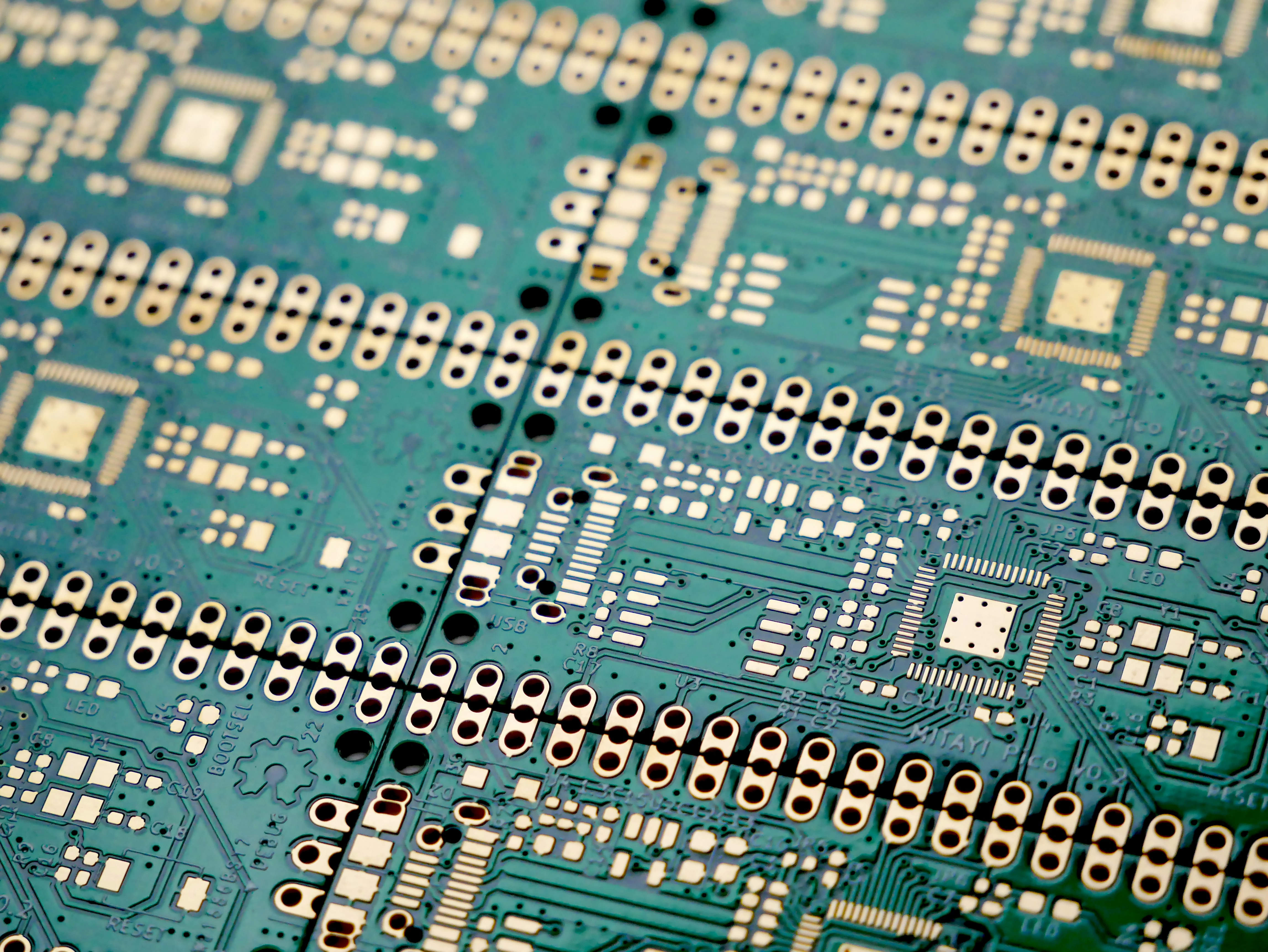
Downloads
Get TerraLync
Pick your platform — the desktop flasher handles detection, download and flashing for you, or grab raw images and do it your way.
Pick your platform — the desktop flasher handles detection, download and flashing for you, or grab raw images and do it your way.
A desktop GUI that does the whole job: detects your board on the serial port,
verifies it meets the requirements (ESP32-S3, ≥8 MB flash, ≥2 MB PSRAM),
downloads the matching firmware from GitHub Releases, flashes it with
esptool, and uploads the filesystem image.

The flasher picks for you — but if you're flashing manually, match the image to your board.
All images flash at offset 0x0.
| Board / tier | Firmware image | Flash / PSRAM | Notes |
|---|---|---|---|
| Guition ESP32-4848S040 Touch | terralync-guition-16mb.bin |
16 MB / 8 MB octal | lvgl_micropython build with ST7701 display + GT911 touch |
| Waveshare ESP32-S3-GEEK | terralync-s3-16mb.bin |
16 MB / 2 MB octal | ST7789 status display, SD on SPI2 — the preferred headless board |
| ESP32-S3 GEEK (USB inverter) | terralync-s3-16mb-usb.bin |
16 MB / 2 MB octal | TinyUSB CDC variant for direct USB-serial to the inverter (INVERTER_USB) |
| Generic ESP32-S3 (8 MB) | terralync-s3-8mb.bin |
8 MB / ≥2 MB | Minimum tier — headless web dashboard + API |
Match the partition table to the silicon. Flashing a 16 MB image to an 8 MB board places the filesystem past the end of physical flash → corruption. When in doubt, let the flasher auto-detect.
terralync-lite-app-<ver>.tar.gz — application code + dashboard.
Installed from the device UI or POST /api/update/install; no flashing needed after day one.
Every release ships a manifest with SHA-256 hashes and sizes. The flasher and on-device OTA both verify before writing anything.
firmware-vX.Y.Z / app-vX.Y.Z are stable;
*-beta.N tags are the development channel — switchable per device in Settings → Update.
The full hub edition — plugin system, engineering tools, dongle proxy.
The Pi edition is being brought up to parity with TerraLync Lite — historian, MQTT discovery, quick settings and the dual-layer OTA updater all landed on Lite first. Downloads will appear here once the Pi build matches that feature set.
Want it today? The ESP32-S3 Lite edition above does local monitoring, scheduling, historian and MQTT — no Pi required.
| Tier | Chip | Flash | PSRAM | Status |
|---|---|---|---|---|
| Touchscreen | Guition ESP32-4848S040 | 16 MB | 8 MB octal | Full LVGL UI |
| Preferred | Waveshare ESP32-S3-GEEK | 16 MB | 2 MB octal | LCD + SD |
| Minimum | ESP32-S3 (generic) | 8 MB | 2 MB (quad or octal) | Headless |
| Hub | Raspberry Pi Zero 2 / 3 / 4 / 5 | 16 GB+ SD | — | Coming soon — reaching Lite parity |
| — | ESP32 / C3 / S2 | — | — | No S3 USB-OTG + PSRAM combo |
| — | ESP32-S3 <8 MB flash / no PSRAM | <8 MB | <2 MB | Too small for OTA + heap |
You'll also need: a GivEnergy inverter reachable on your network
(data adapter on port 8899, or a USB cable for INVERTER_USB builds), a 2.4 GHz
WiFi network, and optionally a micro-SD card for the historian — the device runs fine
without one, using a RAM window.
Every release asset has a SHA-256 in manifest.json. Compare before flashing:
Get-FileHash .\terralync-s3-16mb.bin -Algorithm SHA256shasum -a 256 terralync-s3-16mb.binThe flasher and OTA updater do this automatically — this is for peace of mind on manual flashes.